Which mobile computer is suitable for a warehouse?
Kennis
August 14, 2026
Miranda van Tellingen
Which mobile computer is suitable for a warehouse?
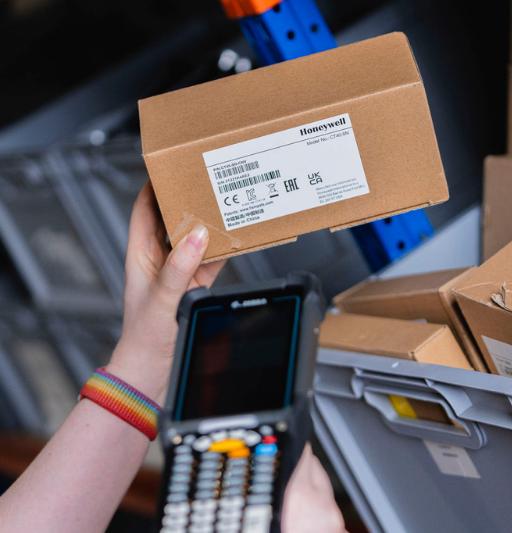
A mobile computer helps warehouse employees register items, locations, and inventory directly on the warehouse floor. For many warehouse processes, a professional handheld device with an integrated 1D and 2D barcode scanner is a practical solution. The most suitable mobile computer depends on the workflow, working environment, and software being used.
For order picking, inventory management, and goods receiving, a handheld mobile computer is often the most practical choice. For intensive scanning, forklift use, or applications that require a larger screen, other form factors may be a better fit.
Which mobile computer fits your warehouse?
Not every warehouse operates in the same way. That is why it is important to first look at the tasks being performed and then select the appropriate type of mobile computer.
- Handheld mobile computer
For order picking, inventory management, and goods receiving. A compact handheld with an integrated barcode scanner is easy to carry and suitable for many daily warehouse processes. - Handheld with pistol grip
For intensive scanning tasks. The additional handle provides greater comfort and control when employees scan large numbers of barcodes throughout the day. - Vehicle computer
For forklifts and other warehouse vehicles. A vehicle-mounted computer provides access to WMS information and other applications while moving goods through the warehouse. - Rugged tablet
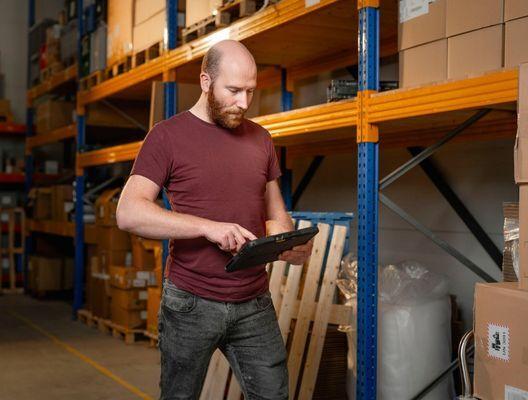
For tasks that require employees to view or enter larger amounts of information. The larger screen provides a better overview and improved usability.
What should you consider when choosing a mobile computer for a warehouse?
The right mobile computer is determined by more than just the brand or model. Consider how the device will be used in practice.
- Scanning
Which barcodes are being used, and from what distance do they need to be scanned? For many warehouse applications, an integrated 1D/2D scanner is sufficient. For longer scanning distances, a long-range scanner may be beneficial. - Durability
Warehouse equipment is exposed to demanding conditions every day. Drops, impacts, dust, and moisture are often part of the working environment. For intensive use, a rugged mobile computer may therefore be the right choice. - Battery
A mobile computer must remain available throughout the workday. For intensive use, battery capacity, hot-swappable batteries, and suitable charging solutions are important considerations. - Connectivity
The mobile computer must be able to connect reliably to the network and business applications. In many warehouses, a stable Wi-Fi connection plays a critical role. - Display and usability
For scanning-intensive tasks, a compact device may be preferred. When employees need to view or enter larger amounts of information, a larger display can offer significant advantages. - WMS and ERP
A mobile computer is part of the broader IT landscape. Make sure the device and software integrate effectively with your WMS, ERP system, or other business applications.
Which mobile computer is suitable for order picking?
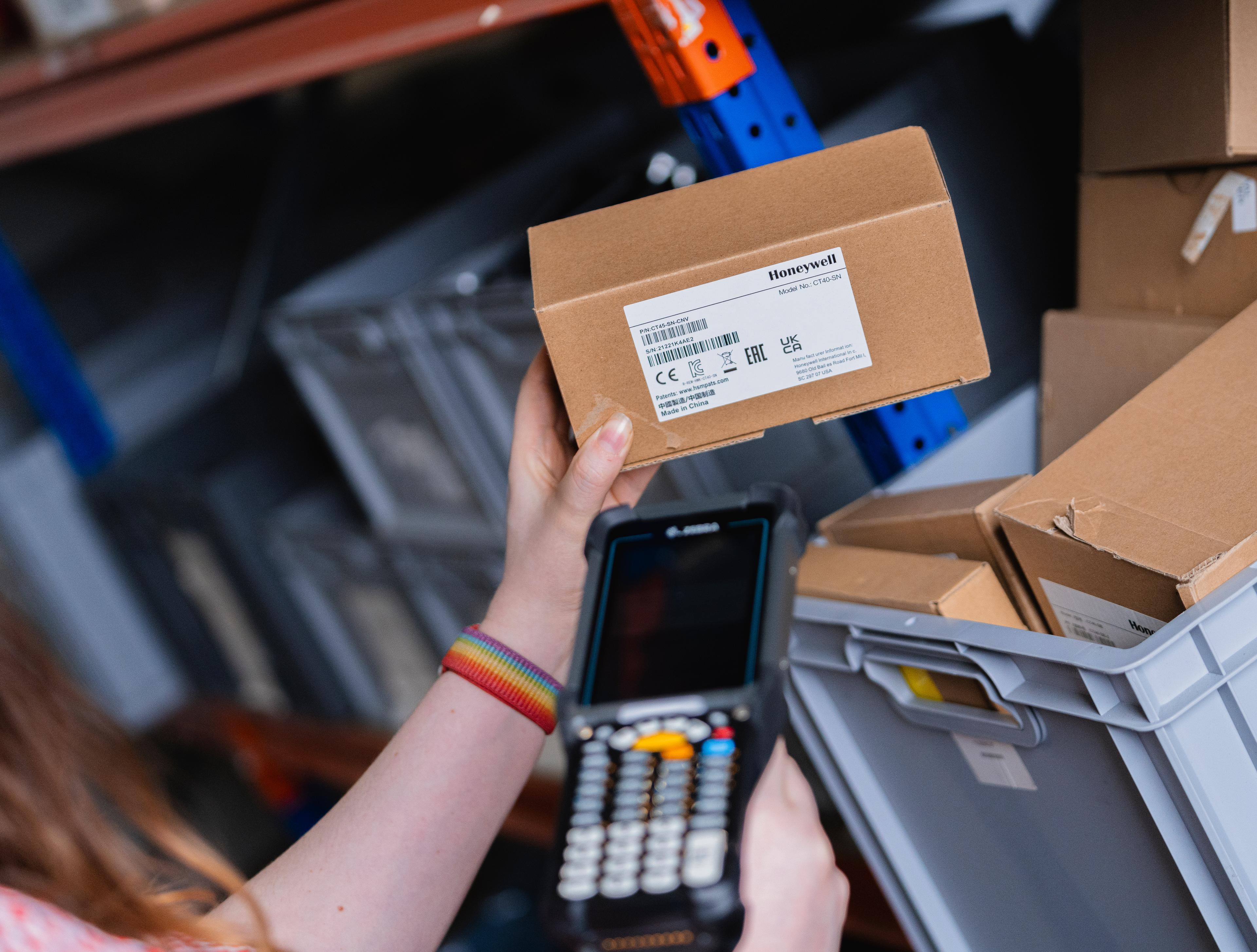
During order picking, employees need to quickly identify which items to collect and where they are located. A mobile computer allows locations and products to be scanned and processed directly within the WMS.
A handheld mobile computer with an integrated scanner is often a practical choice. For intensive scanning tasks, a model with a pistol grip can provide additional comfort and efficiency.
Important considerations for order picking:
- Fast and reliable scanning
- Long battery life
- Ergonomic operation
- Stable Wi-Fi connectivity
- Integration with the WMS
Which mobile computer is suitable for inventory management?
Inventory management requires the fast and accurate registration of products and locations. This includes stock counts, inventory checks, and stock transfers. A compact handheld with an integrated scanner is often suitable for these tasks. If employees also need to view or enter significant amounts of information, a larger display or rugged tablet may be a better fit.
Which mobile computer is suitable for goods receiving?
Goods receiving involves checking and registering incoming shipments. This includes scanning products, verifying quantities, and processing deliveries. A mobile computer with an integrated scanner makes it possible to record this information directly on the warehouse floor. A clear display and reliable connectivity are particularly important.
Which mobile computer is suitable for intensive use?
When a mobile computer is used throughout the workday and employees perform large numbers of scans, durability, battery life, and ergonomics become key considerations. A rugged mobile computer is designed for professional use in demanding environments. For frequent scanning, a model with a pistol grip can provide additional comfort and efficiency.
Mobiele computers van Zebra, Honeywell en Datalogic
Reverse IT supplies professional mobile computers from Zebra, Honeywell and Datalogic. Within these brands, a wide range of models is available for warehouses, logistics operations, and other professional working environments.
Mobile computers and MDM
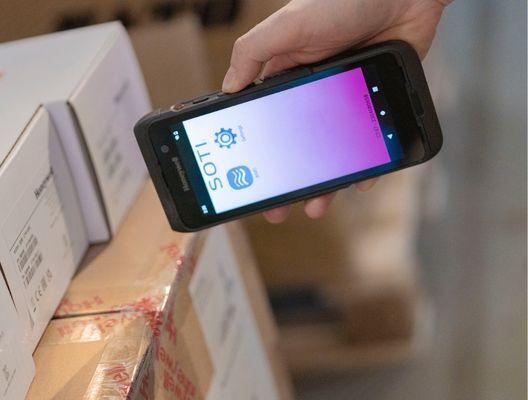
When an organization uses multiple mobile computers, centralized device management becomes increasingly important. With our SOTI Mobile Device Management (MDM) solution, devices can be configured and managed centrally.
This includes managing settings, software, updates, and device monitoring, helping organizations maintain control over their mobile fleet while reducing management overhead.