The hidden goldmine in your scanner data
Kennis
August 20, 2026
Miranda van Tellingen
More than just registration
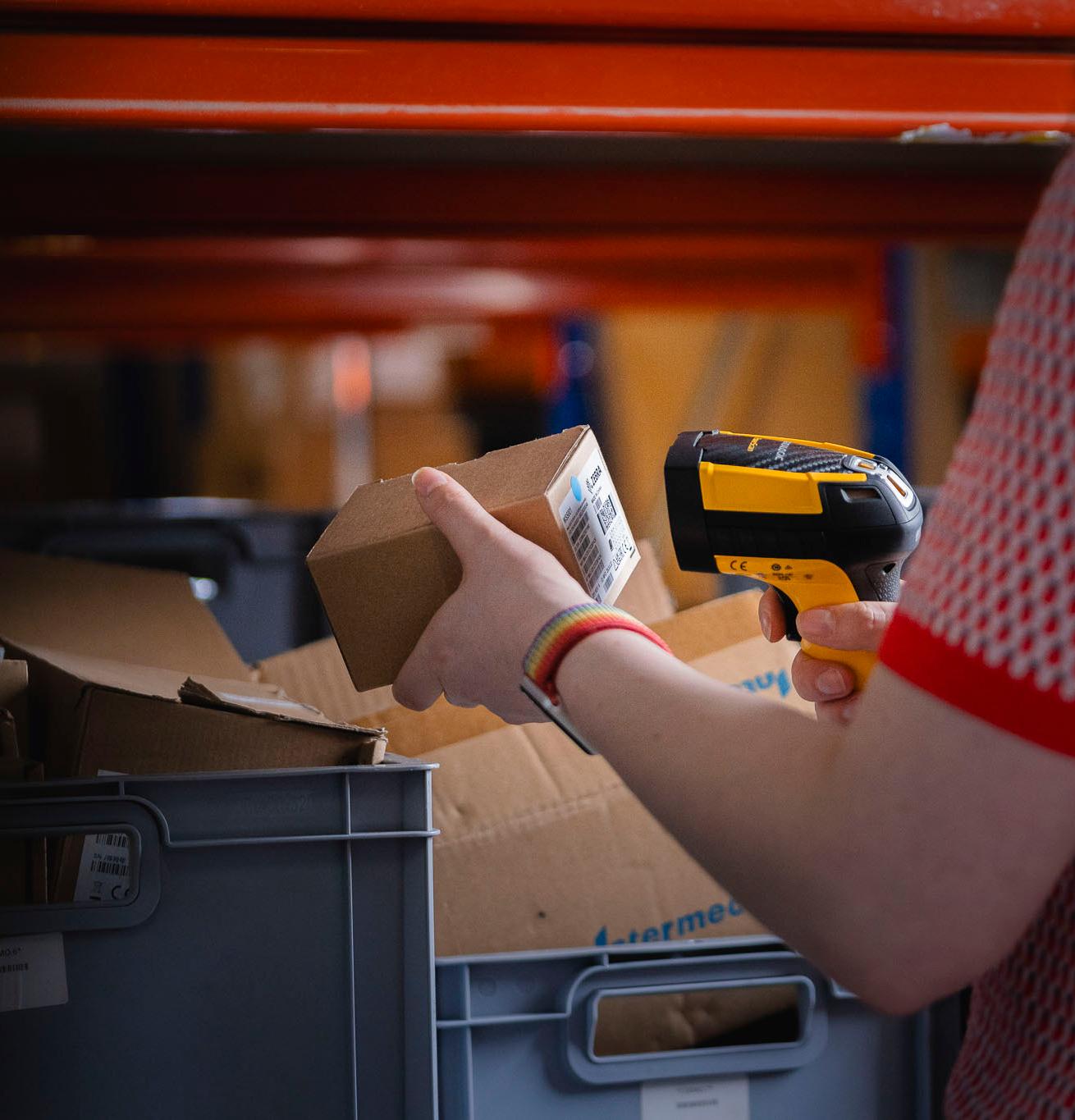
Most companies primarily use scanner data to record transactions. A product is received, moved, or shipped, and the system records the action. At that point, the scanner’s role may seem complete.
Yet that same data contains much more information. For example:
- Times when the highest number of scans take place
- Locations where a lot of activity occurs
- Average processing times per task
- Waiting times between different process steps
- Differences in performance between departments or shifts
Analyzing this data provides a much more complete picture of day-to-day operations. We’d be happy to tell you more about the 7 insights you can gain from scanner data.
1. Where is the process getting stuck?
One of the most interesting insights from scanner data is where delays occur. An order may take an average of ten minutes to process. But where exactly is that time being spent? By looking at the time between different scans, deviations can become visible. A particular process step may consistently take longer than others.
The cause may be technical, such as a slow application, poor Wi-Fi, or a scanner that does not respond properly. But it may also be related to how the process itself is structured. Scanner data helps you see not only that a delay is occurring, but also where it occurs.
2. Where are employees losing time?
In a warehouse, it is often not the major problems that cost the most time. Waiting a few seconds for a scanner. Repeating a scan. Manually correcting an error. Waiting for an application to respond. Individually, these delays may seem insignificant.
But suppose an employee spends an additional 15 seconds on every order. With 1,000 orders per day, that already adds up to more than four hours of lost time. Scanner data can help make these small delays visible. This is often where relatively simple improvements can deliver significant gains.
3. When do peak loads occur?
Not every moment of the day is the same. Scanner data can provide insight into when the highest levels of activity occur. This could include peaks at the start of a shift, on specific days of the week, or during periods with higher order volumes. This can help with planning:
- Employees
- Mobile devices
- Charging and battery capacity
- Network capacity
- IT support
By looking at actual usage patterns, you can align capacity more effectively with day-to-day operations.
4. Which devices are causing problems?
Scanner data can also tell you something about the devices themselves. A scanner that regularly freezes, loses its connection, or needs to be restarted has a direct impact on the employee using it. When certain devices show significantly more problems than others, that is a reason to investigate further.
Is the device outdated? Is it configured correctly? Is there an issue with the application or connectivity? Or is the device simply being used more intensively than others? By tracking this information, you can make more informed decisions about when maintenance, support, or replacement is needed. This ties in with Mobile Device Management and lifecycle management: not just reacting when a device fails, but identifying problems earlier.
5. Where do scanning problems occur?
A failed scan may seem like a minor incident. But when the same problem keeps recurring, it is worth investigating the cause. For example:
- Damaged or poorly printed barcodes
- Insufficient contrast
- Incorrect scanning settings
- An unsuitable scanner
- Poor lighting
- Connectivity issues
- An application that does not respond properly
If one location or one type of device shows a significantly higher number of failed scans, you have a concrete starting point for further investigation. This helps prevent each individual error from being solved separately while the underlying cause remains unresolved.
6. Which locations are creating bottlenecks?
A warehouse may appear logically organized on paper, while the reality on the work floor tells a different story. By linking scanner data to locations, you can discover, for example, that certain areas consistently require more time. Employees may need to rescan more often in these locations. Wi-Fi coverage may be less reliable. Or frequently ordered items may be stored in a location that causes unnecessary walking.
Data makes these patterns visible. This allows you to improve warehouse processes based on what is actually happening, rather than relying solely on assumptions.
7. When is replacement smarter than repair?
Replacing a scanner costs money. But a scanner that regularly fails can ultimately cost more than purchasing a new device. That is why you should look beyond repair costs alone. Lost working time, downtime, additional backup equipment, and IT support also contribute to the total cost. By combining usage data, incidents, and repair history, you can gain a better understanding of the true cost of each device.
This helps answer an important question: Is this device still cost-effective to keep using, or has replacement become the better choice?
Scannerdata en MDM
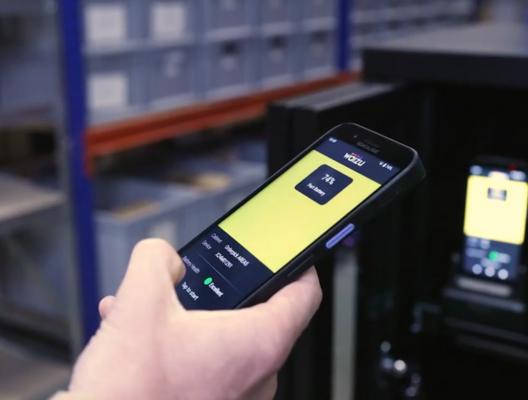
Scanner data does not exist in isolation from mobile device management.
With Mobile Device Management, organizations can centrally manage, configure, and monitor their mobile device fleet. This provides insight not only into the devices themselves, but also into how they are being used. For example, it can help identify which devices regularly cause problems, which devices are used most intensively, and where support is needed.
By combining this information with operational data, you gain a more complete picture of the mobile work environment. The question then changes from: “Is this scanner experiencing an issue?” to: “What impact is this issue having on our operations?” That distinction matters. A technical problem only becomes truly relevant when you understand what it means for the people and processes on the work floor.

Get more out of your mobile devices?
Scanner data can provide valuable insights, but only if you know what data is available and how to make use of it. Reverse IT helps organizations manage, monitor, and optimize mobile devices in logistics and retail.
Curious about where your organization could still improve? Get in touch with Reverse IT and discover how we can help.